
Short answer: Refresh your website when the foundation is sound but the look and messaging feel dated — you keep the structure, content, and URLs and update the surface. Rebuild it when the problems are structural: it doesn’t convert, it’s slow or broken on mobile, the platform is a dead end, the navigation confuses people, or forms go nowhere. The deciding question isn’t “how old is it?” — it’s “is the foundation working?” And you should always diagnose that before spending on either.
A refresh and a rebuild solve different problems and cost very differently. Choosing wrong is expensive in both directions: rebuilding a fundamentally fine site wastes money and risks your search rankings, while endlessly refreshing a broken one just repaints the same leaks. Here’s how to tell which you actually need.
The real difference
- A refresh updates the visible layer — design, imagery, copy, polish — while keeping the site’s structure, content, and URLs intact. It’s the right move when the bones are good.
- A rebuild (redesign) rethinks the foundation: information architecture, templates, platform, performance, and how the site converts. It’s the right move when the bones are the problem.
When a refresh is enough
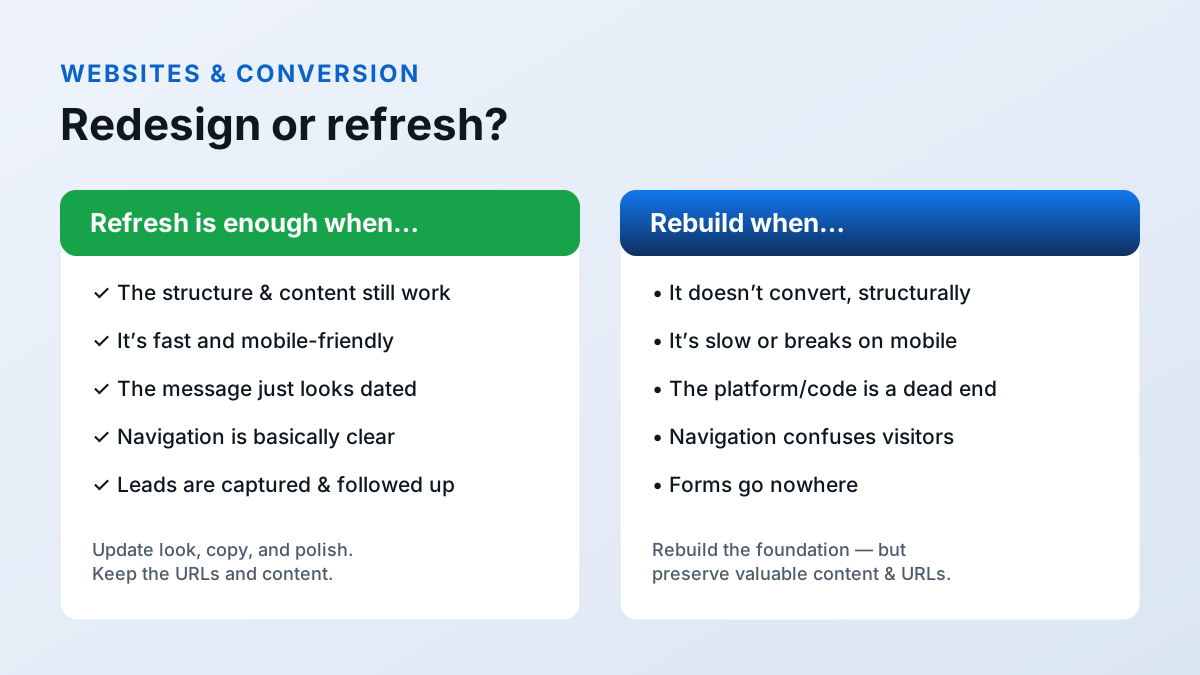
If most of these are true, you probably need a refresh, not a rebuild:
Refresh signals
- The structure and content still make sense; it just looks dated.
- Pages load fast and behave well on a phone.
- Navigation is basically clear.
- Leads are captured and actually followed up.
- The platform isn't holding you back — it just hasn't been updated.
A refresh here is the smart, economical choice: sharpen the message, modernize the look, tighten the calls to action, and keep everything that’s working — including your URLs and search equity.
When you need to rebuild
Some problems can’t be painted over. Consider a rebuild when you see these:
It doesn’t convert — structurally
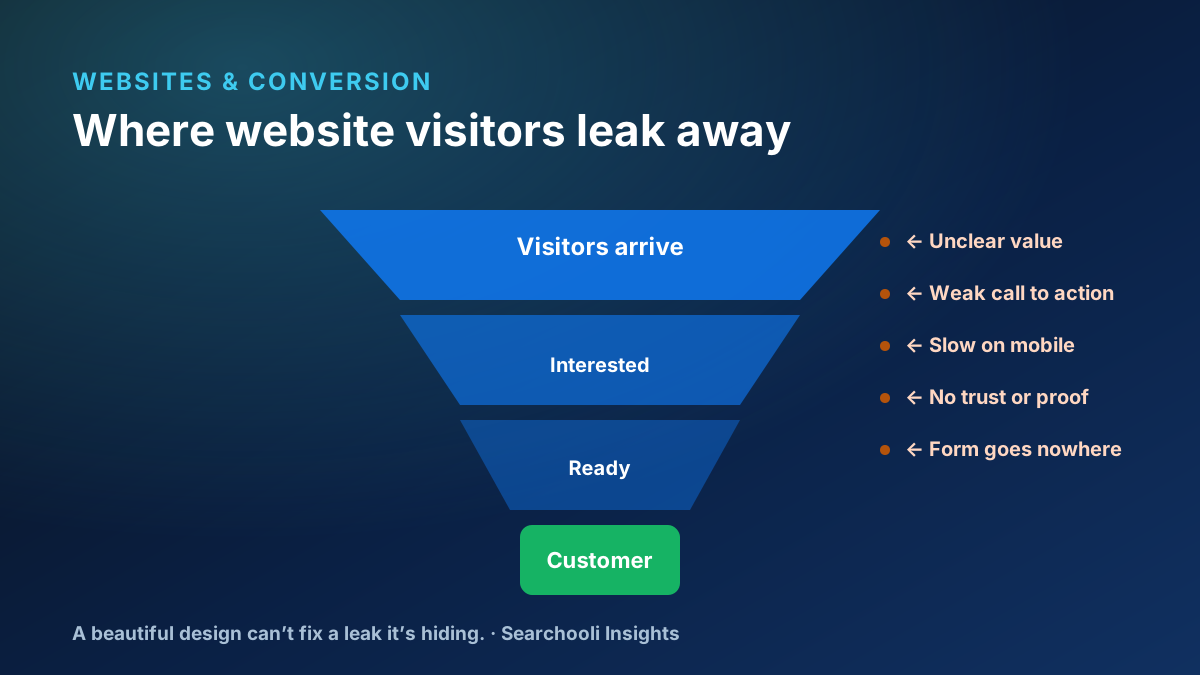
If visitors arrive but rarely become leads, and the cause is the site’s structure — an unclear path, competing actions, a weak value proposition baked into every template — a refresh won’t fix it. (We break down these leaks in why a beautiful website still fails to generate leads.)
It’s slow or breaks on mobile
Performance you can’t fix within the current build is a rebuild signal. Useful targets come from Google’s Core Web Vitals: Largest Contentful Paint under 2.5 seconds, Interaction to Next Paint under 200 milliseconds, and Cumulative Layout Shift under 0.1 (web.dev: Web Vitals). If a bloated theme or platform makes those unreachable, that’s structural.
The platform or code is a dead end
Outdated code, a plugin-tangled platform, or a builder you’ve outgrown can make every change slow, fragile, or impossible. When maintenance costs more than it should and simple updates break things, the foundation is the problem.
Navigation confuses visitors
If people can’t find what they need — and the fix requires rethinking the whole structure, not moving a menu item — that’s a rebuild.
Forms go nowhere
A lead-capture path that’s broken by design (forms that don’t reach a person, no connection to follow-up) often can’t be bolted on cleanly to a fragile old site.
The risk everyone underestimates: SEO and URLs
Here’s where rebuilds quietly go wrong. A new site that throws away its old URLs and content can lose years of search equity overnight. The good news: this is entirely avoidable.
Google’s own guidance is clear. For a site move with URL changes, it recommends using permanent redirects (301 or 308), notes that permanent redirects don’t cause a loss in ranking signal, and — for small and medium sites — recommends moving all URLs at once rather than in pieces (Site Moves with URL Changes, Redirects and Google Search). The practical rule: preserve valuable content, and map every old URL to its closest new page with a one-to-one permanent redirect.
A rebuild should carry your search equity forward, not set it on fire. If nobody’s talking about your old URLs, that’s the tell you’re about to lose them.
Brand and message clarity
Sometimes the issue isn’t code at all — it’s that the site no longer says who you are or what makes you different. A message that’s drifted, a brand that’s evolved, a value proposition that never landed: these can justify significant work. But be honest about whether that’s a messaging fix (often a refresh) or a structural one (sometimes a rebuild). Don’t rebuild the house to change the sign.
A five-minute self-assessment
Before you spend a dollar, you can get a rough read yourself. Ask these questions honestly:
Answer yes or no
- On my phone, on cellular, can I read and act within a few seconds?
- Within seconds, is it clear what I do, who it's for, and where I serve?
- Is there one obvious next step on every important page?
- When someone submits the form, does a real person actually get it?
- Can I (or my provider) update the site without things breaking?
- Do the structure and content still match how my business works today?
Mostly “yes” with a dated look? You’re looking at a refresh. Several “no”s — especially around speed, conversion, the form, or the platform? That points to a rebuild. If you’re unsure, that uncertainty is itself the signal to get a real diagnosis rather than guess.
What a proper diagnosis includes
“Diagnose first” isn’t a slogan — it’s a specific set of checks. A trustworthy review of your site looks at:
- Performance: real mobile speed and stability against the Core Web Vitals targets above.
- Conversion: whether the structure gives visitors a clear path and an obvious action.
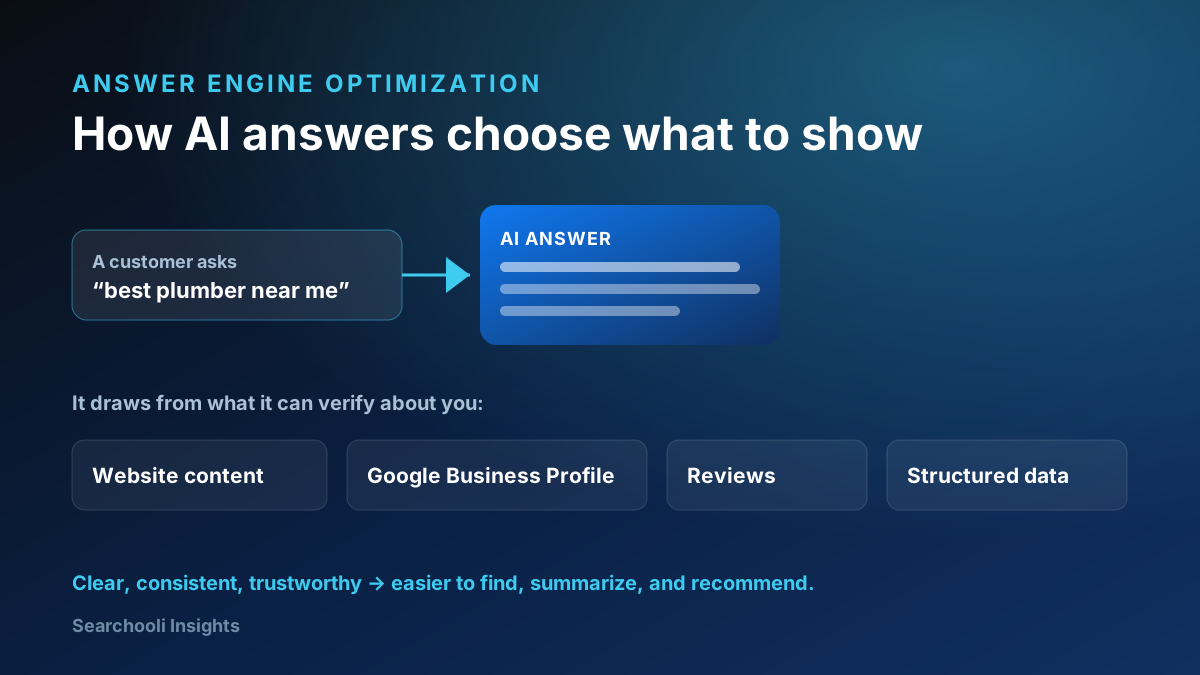
- Findability: how you show up in search and AI answers, and whether the content supports it.
- Technical health: the platform, the code, and how safely it can be changed.
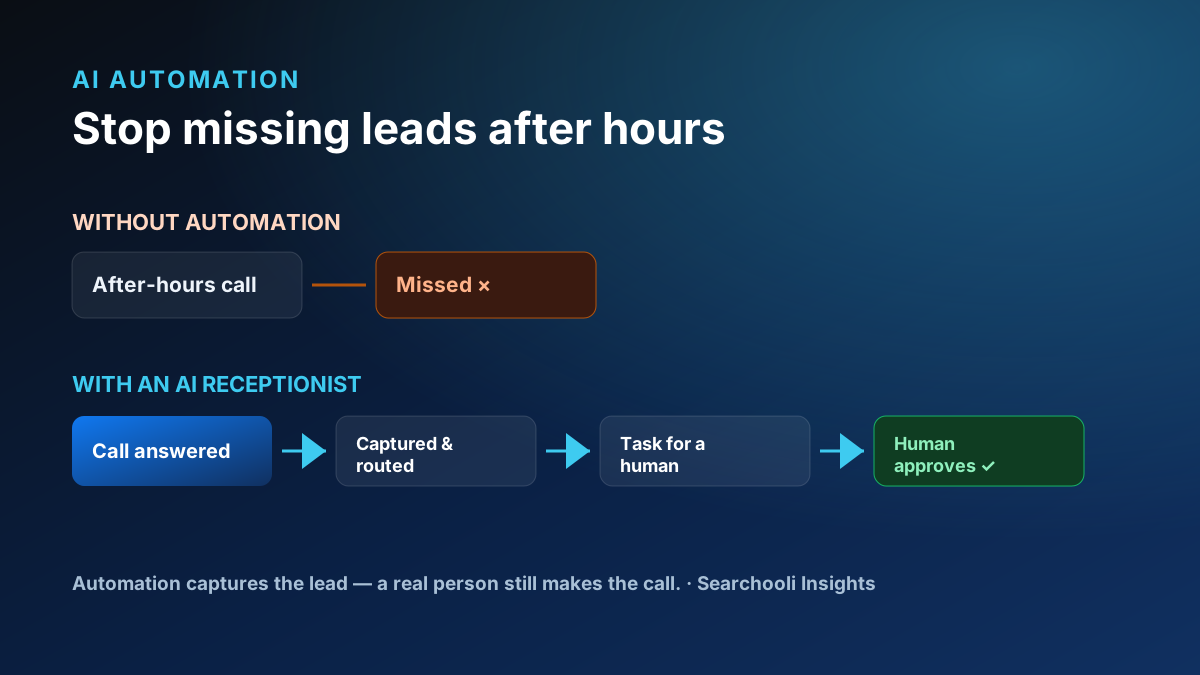
- The funnel: whether forms and calls actually reach a person and enter a follow-up system.
- URLs and content: what has search equity worth preserving, and what can be improved.
Only after that picture is clear does “refresh or rebuild” have an honest answer — and sometimes the answer is “neither yet; fix these three specific things first.”
Diagnose first, build second
The most important rule sits underneath all of this: decide with a diagnosis, not a sales pitch. A good provider figures out why your current site underperforms before recommending anything — and will happily tell you a refresh is the smarter, cheaper answer when it is. If someone recommends a full rebuild without first understanding the real problem, that’s a reason to slow down.
This is the same principle behind everything Searchooli does: understand the problem before you build the expensive solution. Our managed websites are built and maintained as an ongoing system, and we’d rather refresh what’s working than rebuild what doesn’t need it (more on our approach). Getting found is part of the same picture — see what AEO means for local businesses — and you can browse more in Websites & Conversion.
The honest bottom line
Don’t rebuild because a website is old, and don’t refresh a site whose foundation is broken. Ask what’s actually wrong: if it’s the surface, refresh it; if it’s the structure, rebuild it — and either way, preserve your valuable content and URLs. Diagnose first, and the right answer usually makes itself obvious.