
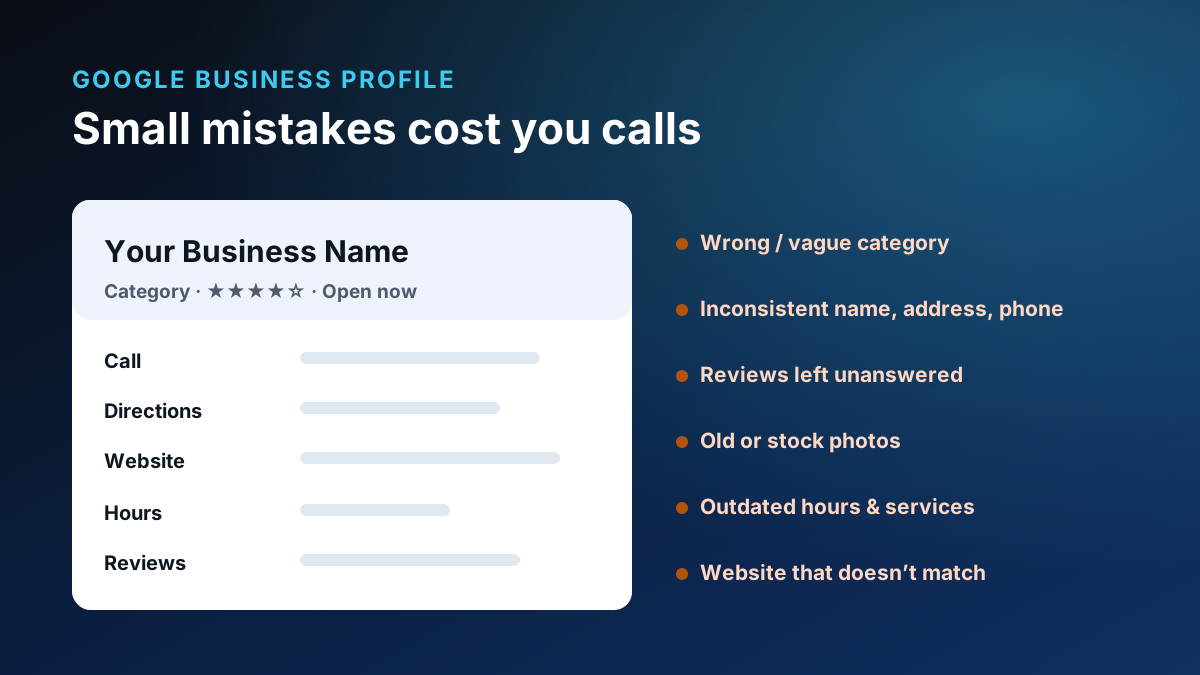
Short answer: For most local businesses, the Google Business Profile is the single highest-leverage thing you can improve — and it’s usually the one left half-done. The mistakes that cost you calls, directions, and trust are rarely dramatic. They’re small, quiet things: a vague category, hours that are wrong, reviews left unanswered, stale photos, and details that don’t match your website. Fix those, and you often see more of the phone calls you were already earning.
Here are the common Google Business Profile mistakes, grouped so they’re easy to act on — with fixes that stay inside Google’s own guidelines.
Mistake 1: Wrong or inconsistent business information
Your name, address, and phone number are the foundation. When they differ between your profile, your website, and other listings, you make it harder for both customers and Google to trust that they’ve found the right business. Google’s guidelines are explicit that your information should represent your real-world business accurately and consistently (Guidelines for representing your business on Google).
Fix: Make your name, address, and phone identical everywhere. Use your real business name — not a keyword-stuffed version — and keep it the same across locations unless your real-world branding genuinely varies.
Mistake 2: A weak or vague primary category
Category is one of the most important signals on your profile, and “close enough” costs you. Google’s guidance is to choose the most specific category available — for example, “Nail salon” instead of “Salon.” When you pick a specific primary category, Google automatically associates the broader ones, so being specific helps you rather than boxing you in (Manage your business category).
Fix: Set the most specific primary category that matches what you do, then add relevant secondary categories for your other real services — without padding the list with things you don’t actually offer.
Mistake 3: Incomplete services and a thin description
An empty or generic profile gives customers — and answer engines — little to work with. Missing services and a vague business description are a quiet way to lose to a more complete competitor.
Fix: Fill in your real services and write a clear, honest description of what you do and who you help. Skip the keyword stuffing; write it for a person.
Mistake 4: Outdated hours (and holiday hours)
Few things erode trust faster than driving to a business that’s supposedly “open” and finding it closed. Wrong hours don’t just annoy customers — they teach them not to rely on your listing.
Fix: Keep regular hours current and set special hours for holidays in advance. It takes minutes and prevents a genuinely bad customer experience.
Mistake 5: Ignoring reviews — and responding poorly
Reviews are one of the strongest trust signals you have, and how you handle them is public. Google notes that a mix of positive and negative feedback often feels more trustworthy to potential customers than a wall of perfect scores (Manage customer reviews). Ignoring reviews — or responding defensively — sends the wrong message to everyone reading later.
Fix: Ask happy customers for honest reviews as a normal part of doing business (Tips to get more reviews), and respond to reviews — especially critical ones — calmly and professionally. If a review truly violates Google’s content policies, you can flag it, but don’t rely on removal as a strategy.
A calm, human response to a hard review often wins more future customers than the review itself cost you.
Mistake 6: Low-quality or stale photos
Old, blurry, or stock photos make even a great business look neglected. Real, current photos of your work, your team, and your location help customers picture choosing you.
Fix: Add real photos and refresh them periodically. Show the actual work you do, not a generic image that could belong to anyone.
Mistake 7: Missing posts, updates, and unanswered questions
Depending on your business type, Google offers ways to post updates and to answer questions people ask on your profile. An abandoned profile with unanswered questions signals inattention.
Fix: Where it’s relevant to your business, keep your profile active and answer questions promptly and accurately. You don’t need to post constantly — you need to look present and responsive.
Mistake 8: Incorrect service areas
Service-area businesses often get this wrong — either claiming far more territory than they realistically serve or leaving it blank. Both mislead customers and muddy your local relevance.
Fix: Set service areas that reflect where you actually work. Honest and accurate beats broad and vague.
Mistake 9: A website that doesn’t match
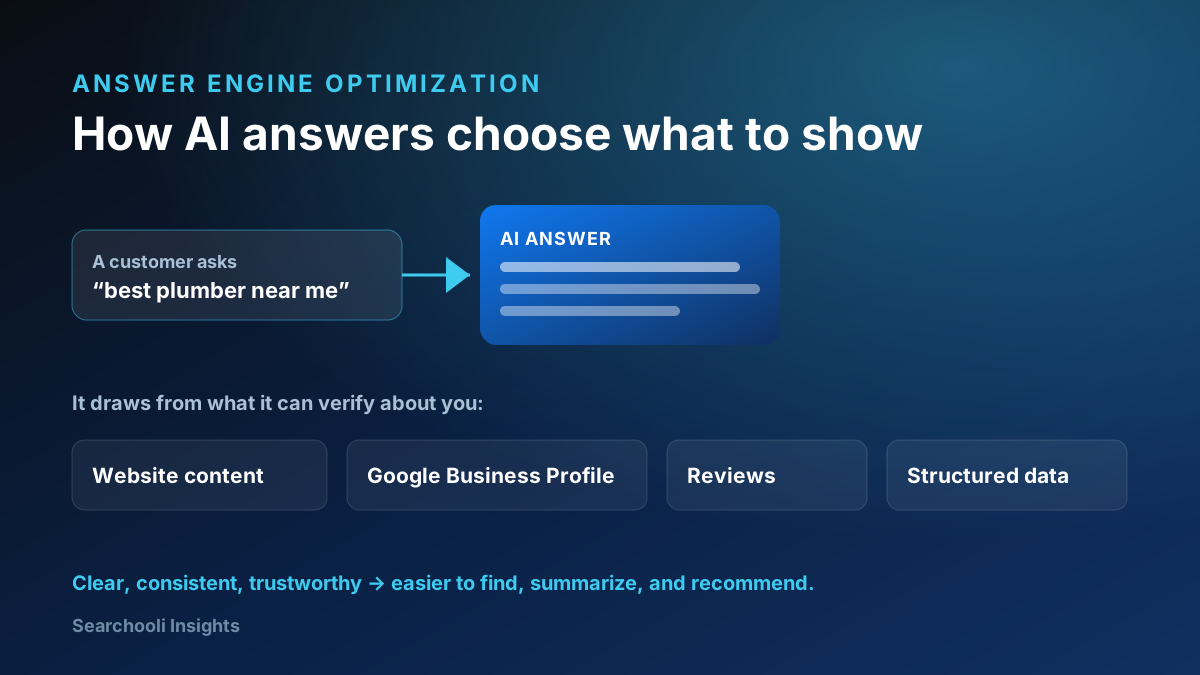
Your profile and your website should tell the same story. When the phone number, services, or hours on your site contradict your profile, you undercut the trust each one is trying to build — and you weaken the consistency that answer engines rely on.
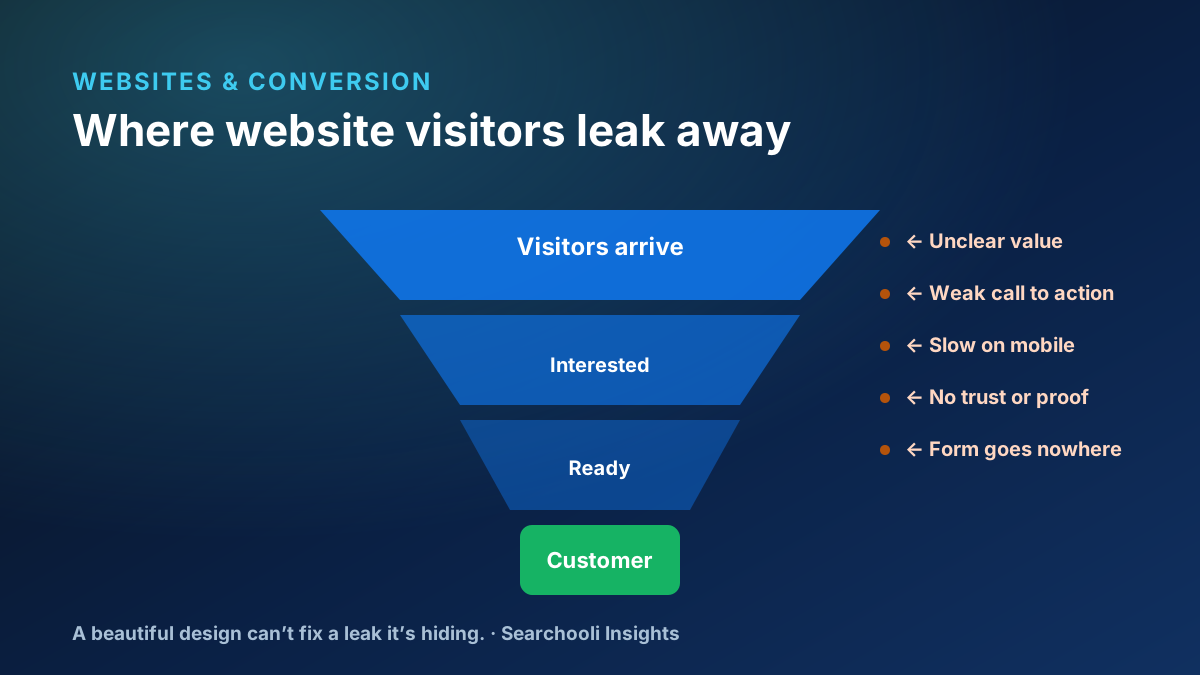
Fix: Align your website and profile. And make sure the website the profile points to is one that actually converts the visit into a lead, not a dead end.
Mistake 10: Duplicate or suspended profiles
Duplicate listings split your reviews and confuse customers, and a suspended profile disappears from the places customers look. These are serious, but they’re also where the most overpromising happens in the industry.
Fix: If you find duplicates, resolve them following Google’s process. If you’re suspended, correct whatever guideline issue caused it and use Google’s reinstatement process — but be realistic. No one can guarantee a fast reinstatement or a specific ranking, and you should be wary of anyone who promises either. Review the Business Profile policies and fix the root cause.
Mistake 11: No call or conversion tracking
If you don’t know how many calls, direction requests, or clicks your profile drives, you can’t tell what’s working. Google’s own profile insights are a starting point.
Fix: Pay attention to the activity your profile generates so improvements are grounded in reality, not guesses.
A simple profile checkup
Run through this on your own profile
- Name, address, and phone match everywhere and reflect your real business.
- Primary category is the most specific one that fits; secondaries are real services.
- Services and description are complete, honest, and human.
- Hours are current, with holiday hours set ahead of time.
- Reviews are actively requested and thoughtfully answered.
- Photos are real, recent, and representative.
- Service areas reflect where you actually work.
- Your website matches your profile — and converts the visit.
None of these require a trick or a loophole. They’re the honest, guideline-safe fundamentals that make you easy to find, easy to trust, and easy to call.
If you only have 30 minutes this week
You don’t have to fix everything at once. If you can spare half an hour, spend it in this order for the most impact:
- Confirm the basics (10 min): name, address, phone, and primary category are correct and match your website. This alone resolves the most common problems.
- Fix the hours (5 min): correct your regular hours and add any upcoming holiday hours.
- Respond to reviews (10 min): reply to your most recent reviews — especially any critical ones — calmly and briefly. Then send a couple of honest review requests to happy recent customers.
- Add a few real photos (5 min): upload current pictures of your actual work or location.
That short pass touches the highest-leverage items on the whole profile.
How often to keep it up
A Google Business Profile isn’t a set-it-and-forget-it listing; it’s a living surface customers judge you by. You don’t need to obsess over it, but a light, regular rhythm keeps it healthy:
- Weekly: respond to new reviews and answer any new questions.
- Monthly: add a few fresh photos and confirm hours and services are still accurate.
- Before every holiday or schedule change: update special hours in advance.
- Quarterly: re-check your categories and description against how your business has evolved.
Consistency over time beats a one-time cleanup that slowly goes stale again.
Where Searchooli fits
We treat your Google Business Profile as one connected surface alongside your website, search, and reputation — because that’s how customers and answer engines see it. Our Google Business Profile work is built around exactly these fundamentals, and everything we do keeps a real person accountable for the result (more on our approach). Browse more in Google Business Profile.
The honest bottom line
Most Google Business Profile problems aren’t exotic — they’re small, quiet, and completely fixable. Get your information accurate and consistent, choose the right category, keep hours current, treat reviews like the public conversation they are, and match your website to your profile. Do that, and you stop quietly losing calls you already earned.
Sources & further reading
- Guidelines for representing your business on Google — Google Business Profile Help
- Manage your business category — Google Business Profile Help
- Manage customer reviews — Google Business Profile Help
- Tips to get more reviews — Google Business Profile Help
- Business Profile policies & guidelines — Google Business Profile Help